 WebEaze
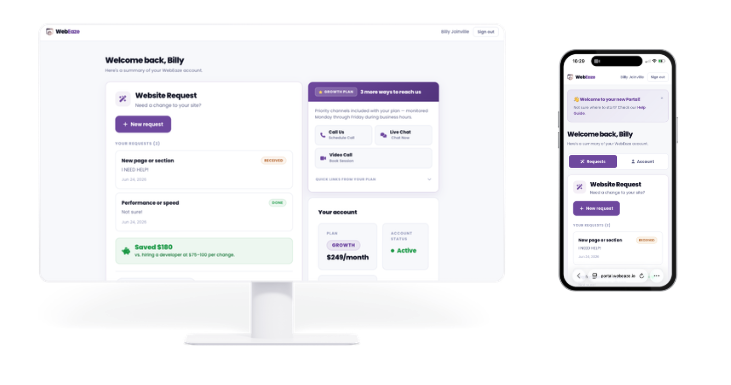
On July 1, 2026, WebEaze is launching a brand new client portal at portal.webeaze.io. It is one place to view your plan, submit unlimited website requests, follow your website's progress, refer other business for rewards, and manage your billing. Existing clients will receive an email invitation a few days before launch.
Since day one, the WebEaze promise has been simple: you run your business, and we handle your website. Up to now, that meant sending your requests through a form and getting updates by email. It works, but everything lived in different places.
That changes on July 1. We are launching the WebEaze client portal, a single home for everything related to your website. Here is a look at what is coming and how to get in.
Everything in one place
The portal brings your plan, your website, your requests, and your billing together in one clean dashboard. No more digging through old emails to remember what you asked for or when your site went live. When you sign in, it is all right there.
Your account at a glance
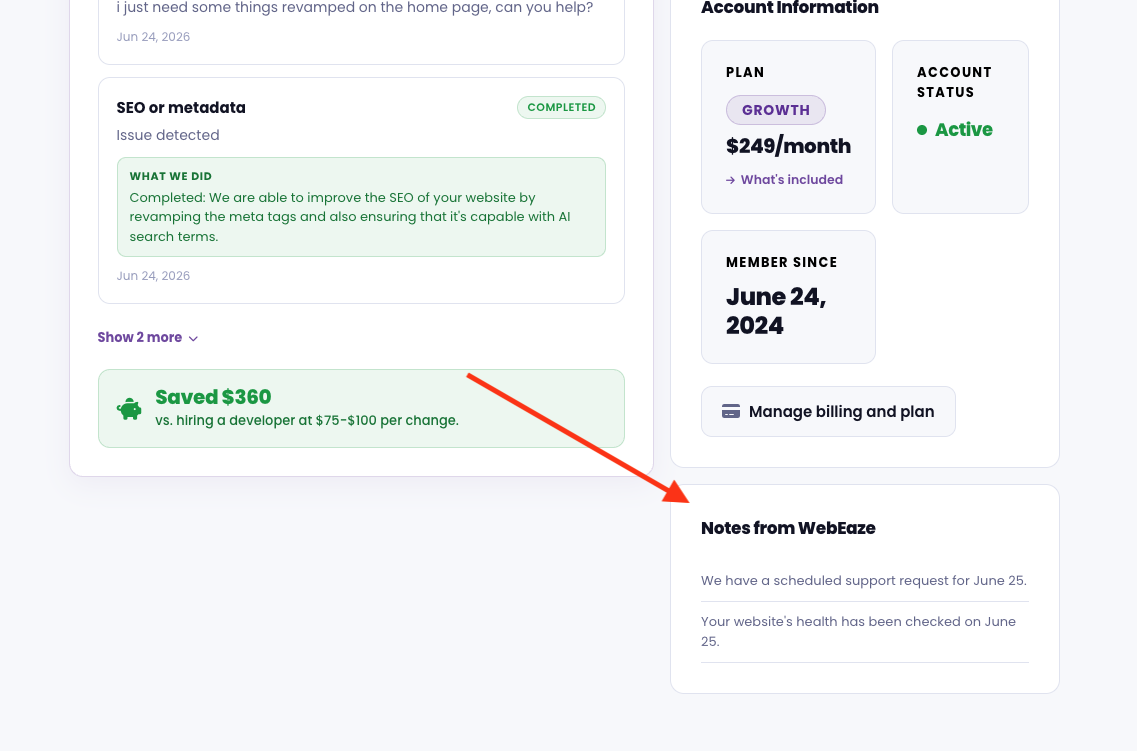
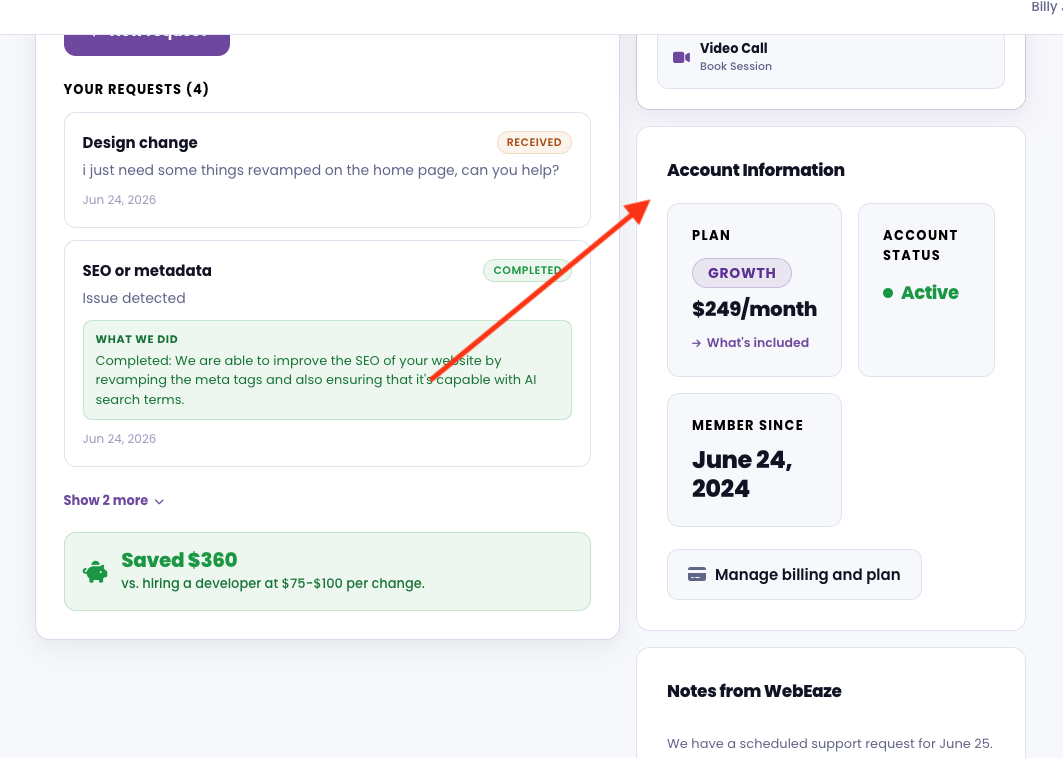
The first thing you see after signing in is your account summary: your current plan and monthly rate, your account status, and the date you became a WebEaze client. It is the quick health check for your subscription.
Your website, one click away
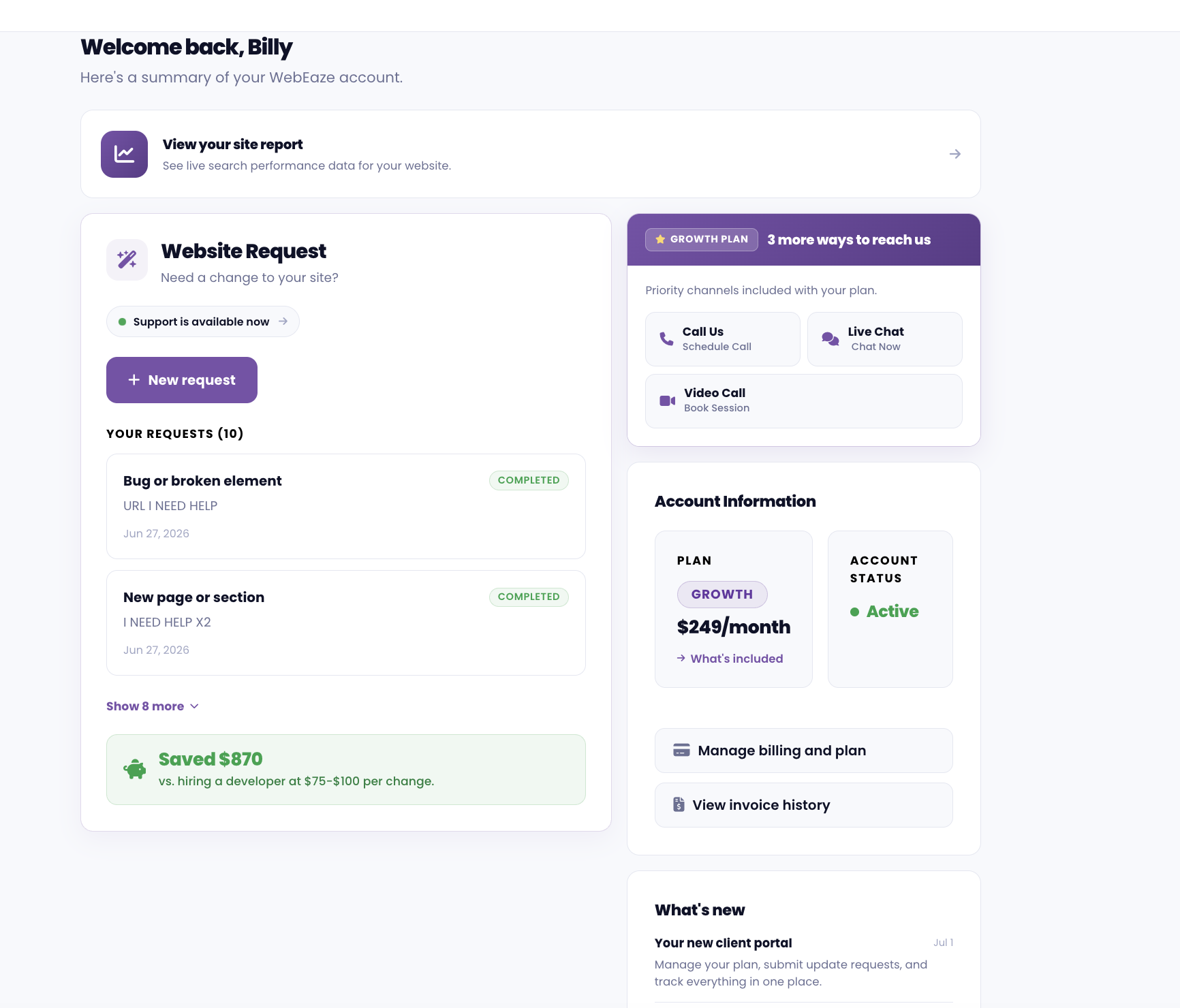
Right below your account details, you will find a direct link to your live website. If we manage more than one site for you, every site is listed here so you can open any of them in a click.
Submit unlimited requests, and track every one
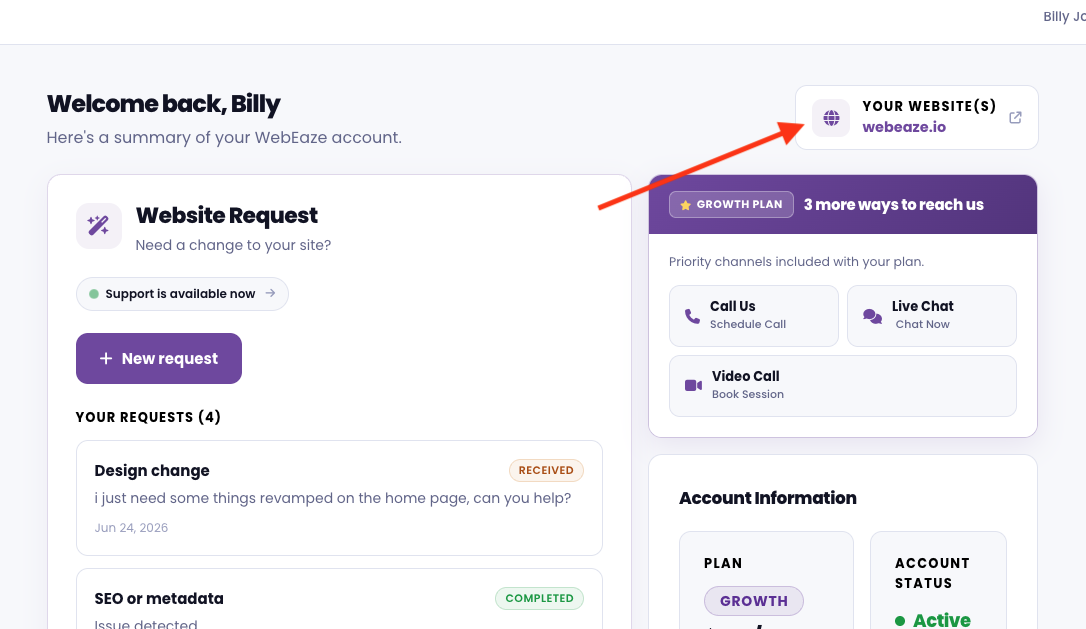
This is the part most clients will use the most. Need a change to your site? Select New request, choose the type of change, describe what you need, and hit submit. We get notified right away and get to work. Unlimited updates are still included in your plan, exactly as before.
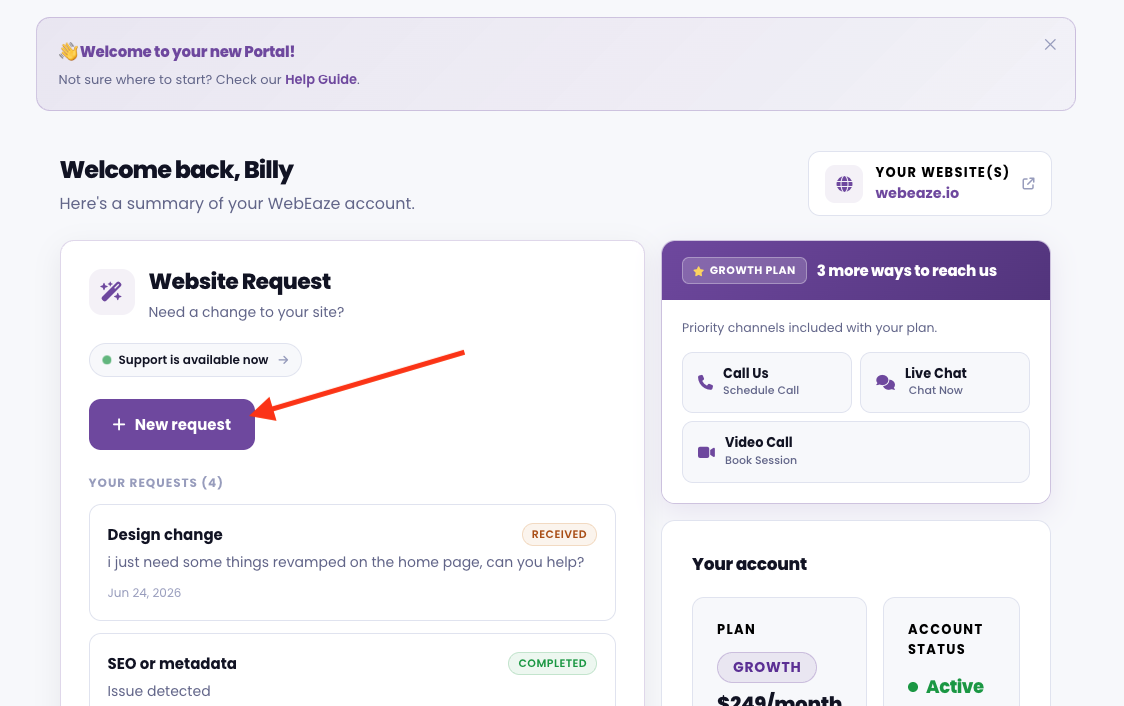
The difference now is visibility. Every request you submit shows a clear status, so you always know where things stand:
- Received means your request is in and we have it.
- In progress means we are actively working on it.
- Needs info means we need more details to proceed.
- Completed means the change is live on your site, with a note of exactly what was done.
Follow your website's journey with Milestones
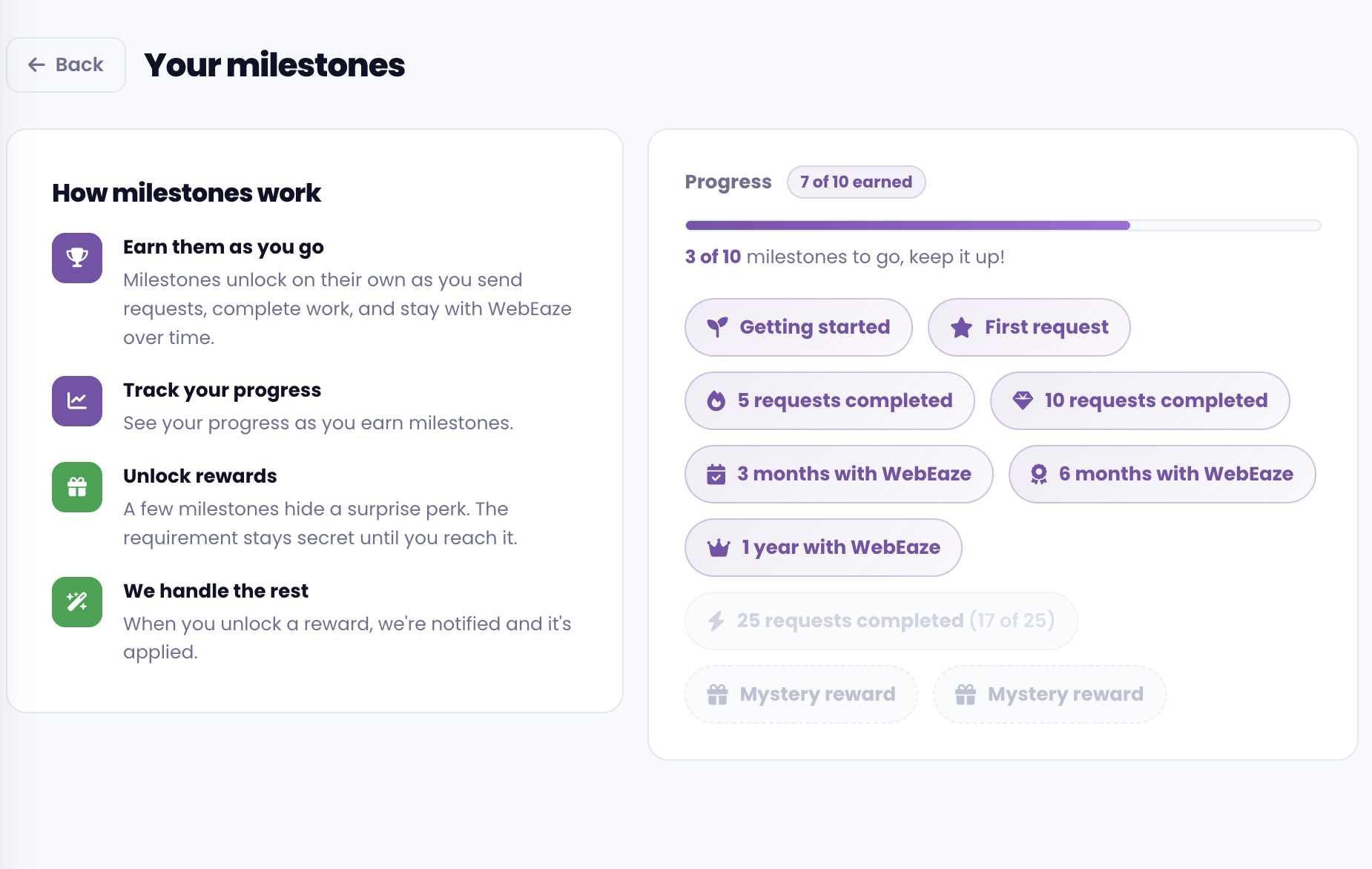
Beyond individual requests, the portal now shows the bigger picture. Your Milestones timeline highlights key moments in your website journey, from the day your site went live to major updates, SEO updates, and other achievements along the way.
It is an at-the-glance story of the work we've done for you, so the value of your plan is always clear. You may also receive rewards or special offers from WebEaze when you complete certain milestones, like a free month of service.
Messages
The portal also gives us a clean way to keep you in the loop. Upcoming maintenance, helpful reminders, and details about features we have set up for you all show up in Messages, along with your own questions and files, so important information does not get lost in an inbox. Reply to one of our emails and your reply lands there too.
Billing without the back and forth
Need to update a card or change your plan? Select Manage billing and plan and you will be taken straight to your secure Stripe billing portal, where you can update payment details, view invoices, and make plan changes whenever you need.
Refer a friend, get rewarded
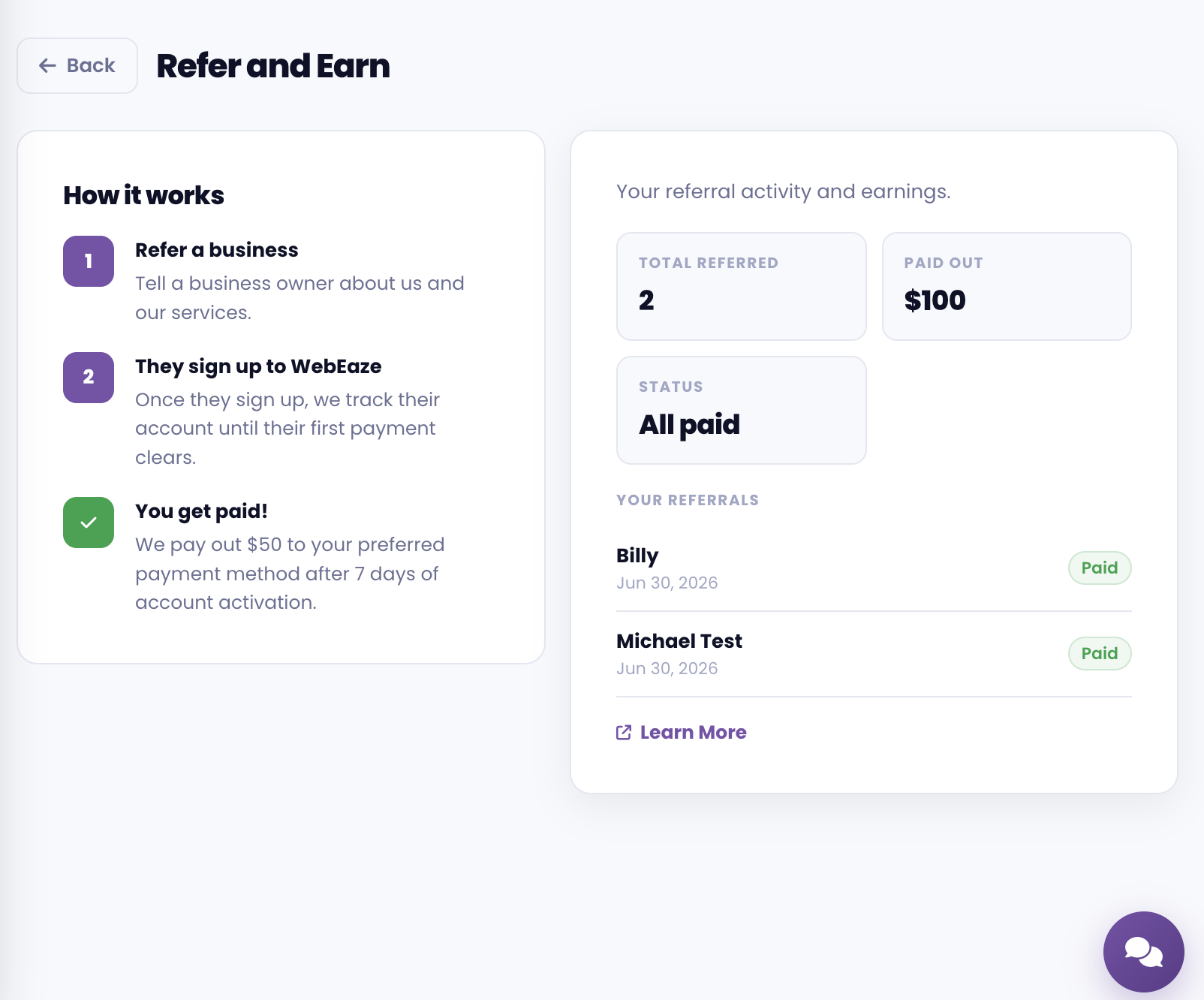
Know someone who could use a professionally managed website? The portal makes it effortless to track referrals and get rewarded when they sign up. Head to the Referrals section to see your referral history and earnings.
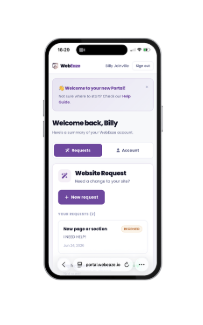
Built for desktop and mobile
Your portal works just as well on your phone as it does on your computer. Whether you are at your desk or out on a job, you can check a request or fire off a new one in seconds.
This is just the start
We are launching with more than the essentials, including milestones and referral program. And the portal is built to keep growing. Over the coming months we will be adding new tools, including access to your website analytics, social media management, and more. As each feature goes live, it will simply appear in your portal.
How to get access
Existing WebEaze clients don't need to do anything right now. We'll send you an email with an invite link to create your account. Click Accept invitation, set your password, and you're set. After that, you can sign in anytime at portal.webeaze.io.
The Website Request page will redirect to your client portal effective July 1, 2026.
Want a full walkthrough of the portal? Read our step-by-step guide: Getting Started with Your Client Portal.
Not a WebEaze client yet? Get a professionally managed website with unlimited updates, and manage all of it from your new portal.
See Plans & PricingInformation current as of June 29, 2026. Features and availability are subject to update and/or change. Visit the help center for the latest information.