
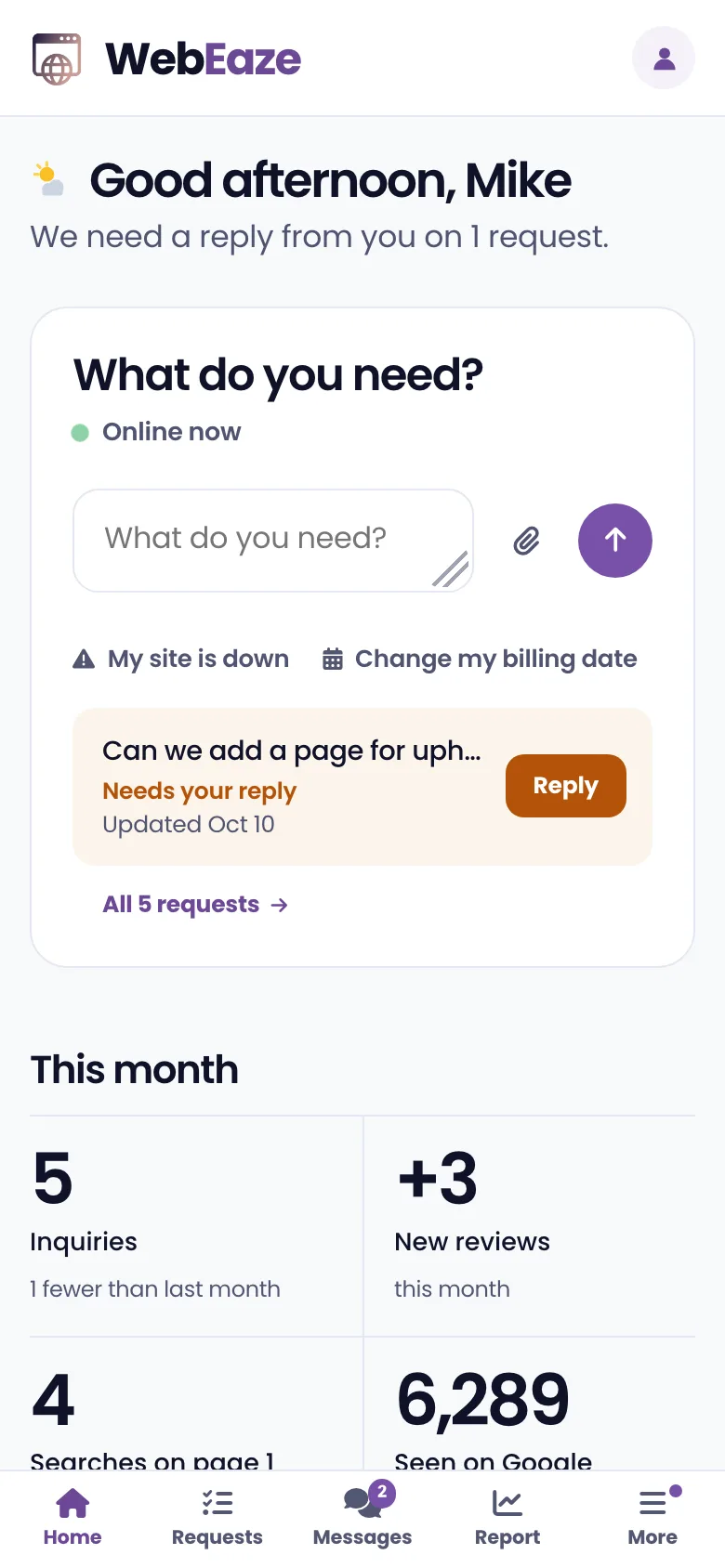
Your website, finally put at ease.

The Client Portal. Request changes, manage site performance, view analytics, earn rewards, and more.

We often hear "I don't know how to manage my website" or "Is my site working for me?". The portal is our answer: everything for your business, in one place.

Submit and track requests

Type what you need like a text message, add photos or files, and follow it from Received to Done. If we have a question, you answer it right in the request.
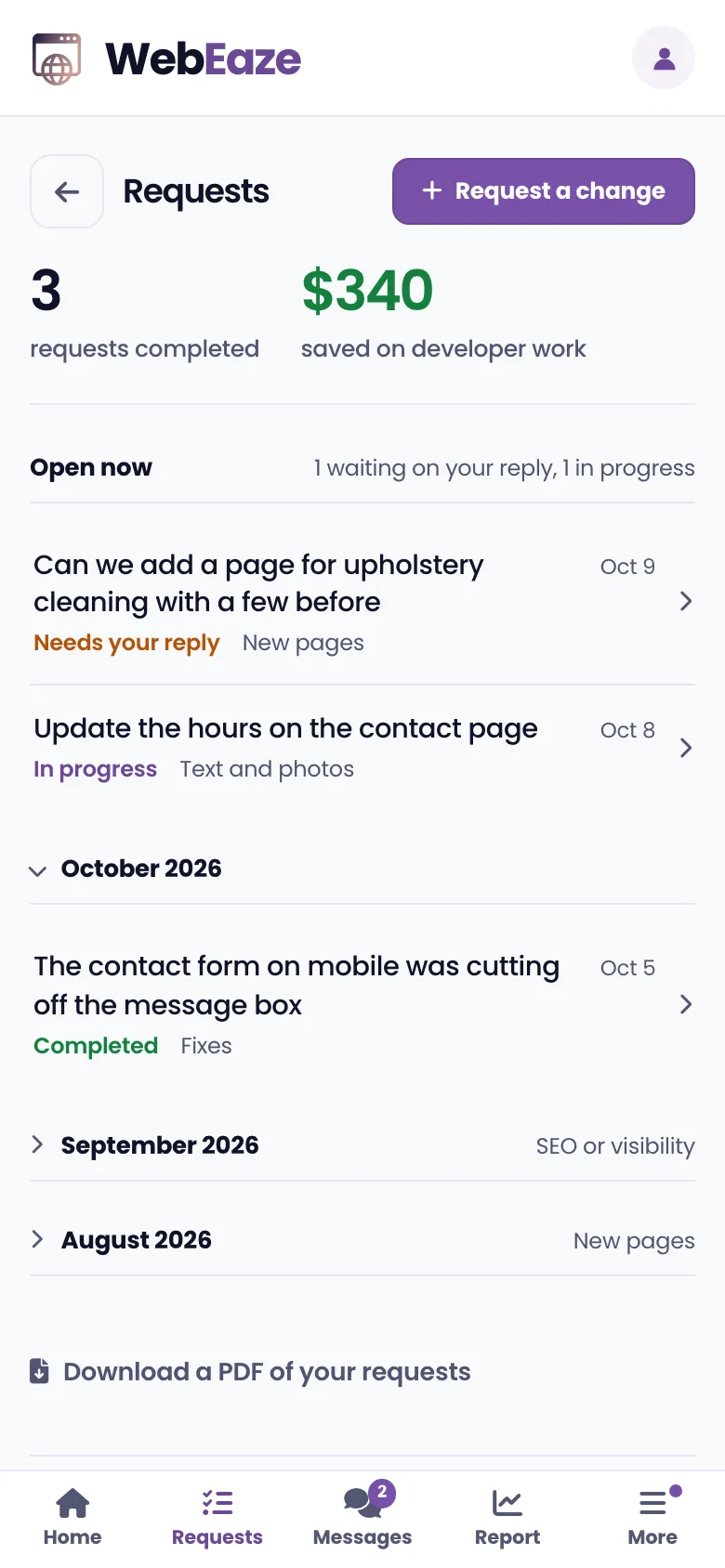
The Requests page in the Client Portal

Messages

Your conversation with us, in one place. Ask a question, send a file, or just reply to one of our emails and it shows up here.

Read the Messages guide
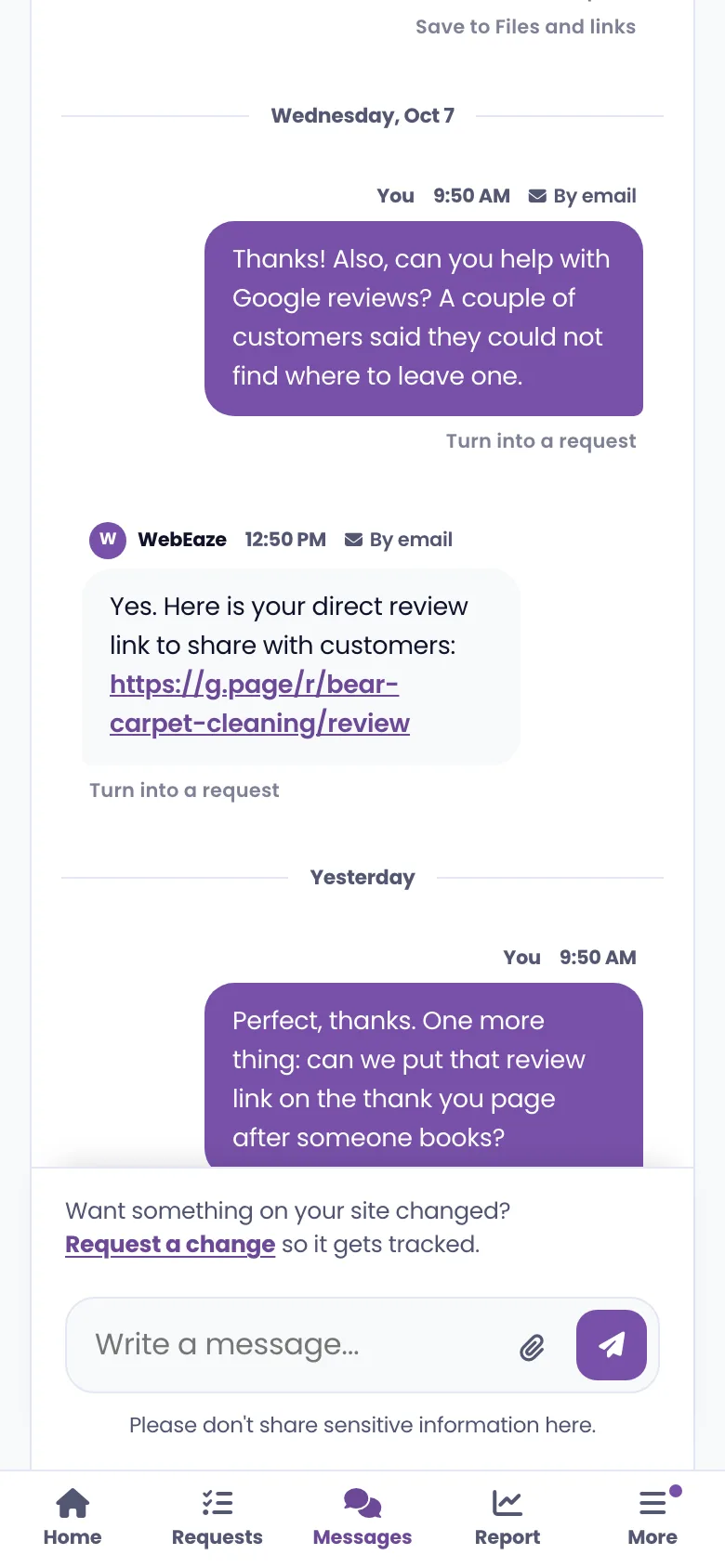
Messages in the Client Portal

Your site report

How people find you on Google, whether AI tools like ChatGPT recommend you, your reviews and a monthly goal, with suggestions written for your business.
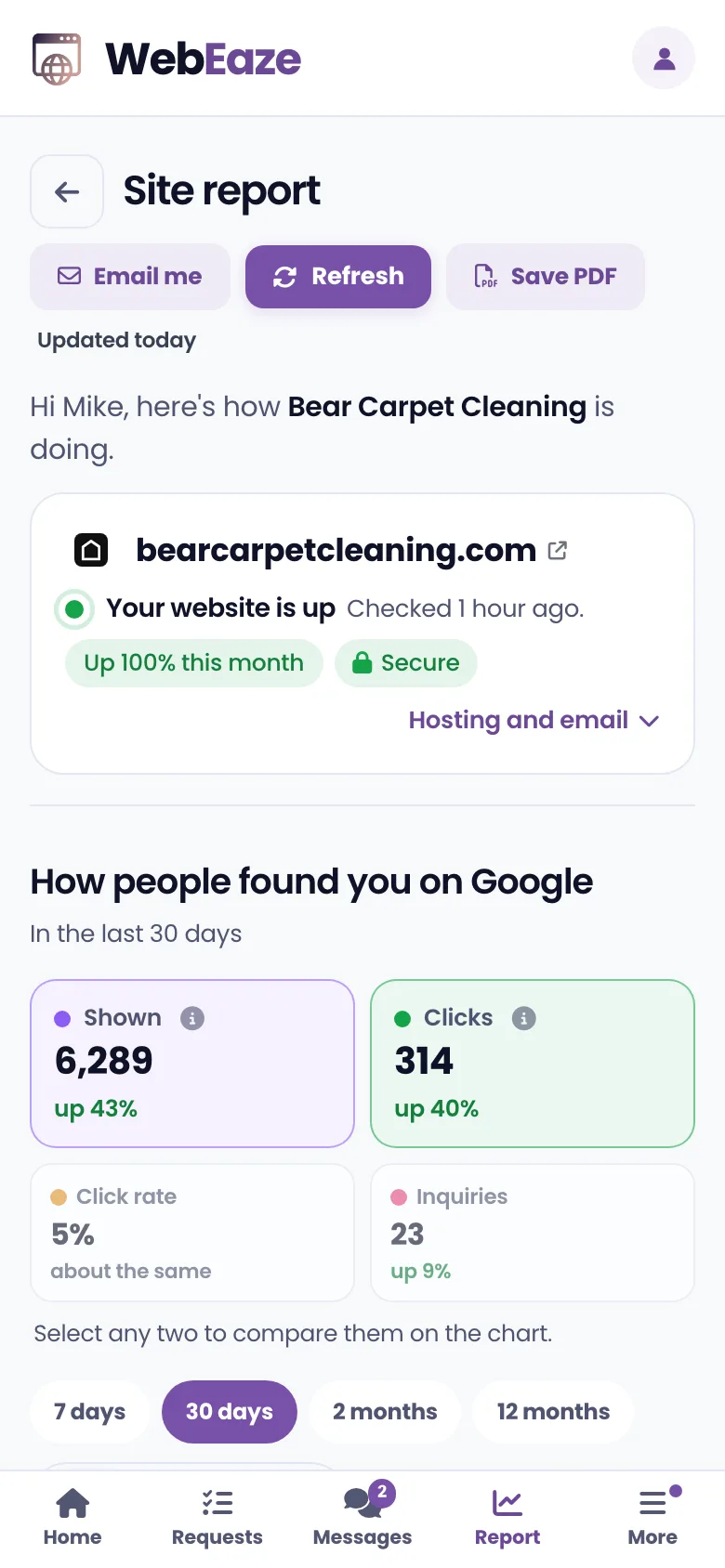
The site report in the Client Portal

Milestones and rewards

We like fun. Earn rewards as time goes on, and we'll gift you along the way. Think a free month of service.
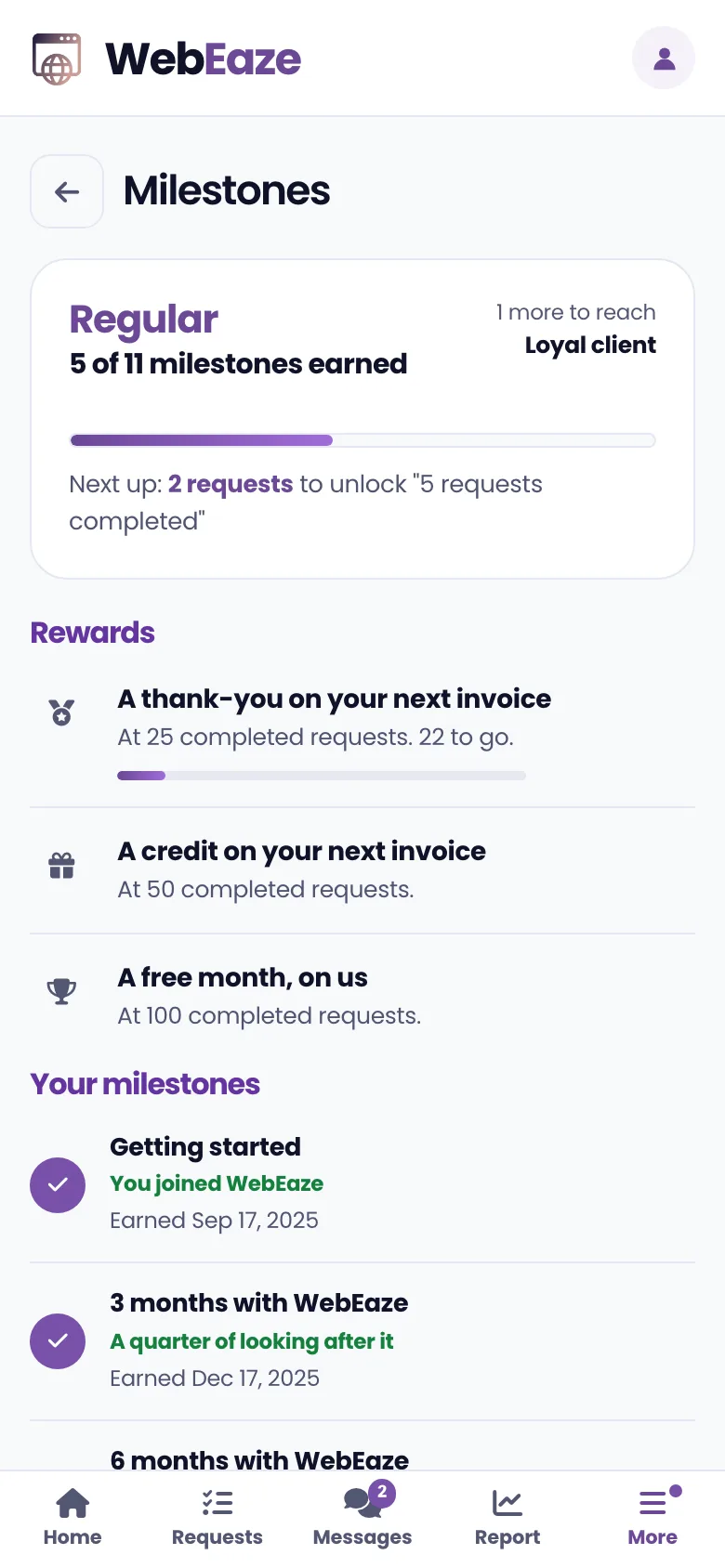
Milestones in the Client Portal

And the small things.

Access from day one.

Accept the invite, create your password, and you're in.

  1. 1Your invitationYou're invited once you start with us. Welcome aboard.
  2. 2Set one passwordPick a password only you know.
  3. 3Your website, in viewSign in any time, from any device. Everything's there for you.

Common questions.

About the portal. Everything else is in the full FAQ.

Is the portal included in my plan?
Yes. Every plan comes with the Client Portal at no extra cost. Some tools, like the full leads inbox and the monthly growth report, come with the Growth plan. Compare plans.
How do I get access?
We send you an invite by email once you start with us. Open it, set a password, and you're in. After that, sign in any time at portal.webeaze.io.
Do I need to download an app?
No. It works in your browser on a phone, tablet or computer. On a phone you can also add it to your home screen, so it opens like an app.
Can someone on my team use it too?
Yes. You can give teammates their own login, each with their own password, and they see the same account you do. How team access works.
What if I'd rather just email?
That's fine. Reply to any of our emails and your message lands in the portal's Messages, so nothing gets lost either way.

Your website, simplified.

Want a simple management experience like this? It comes with every plan.