 WebEaze
When you paste a link on Facebook, iMessage, WhatsApp, and others, they display a preview card with an image, title, and description. It looks like this:
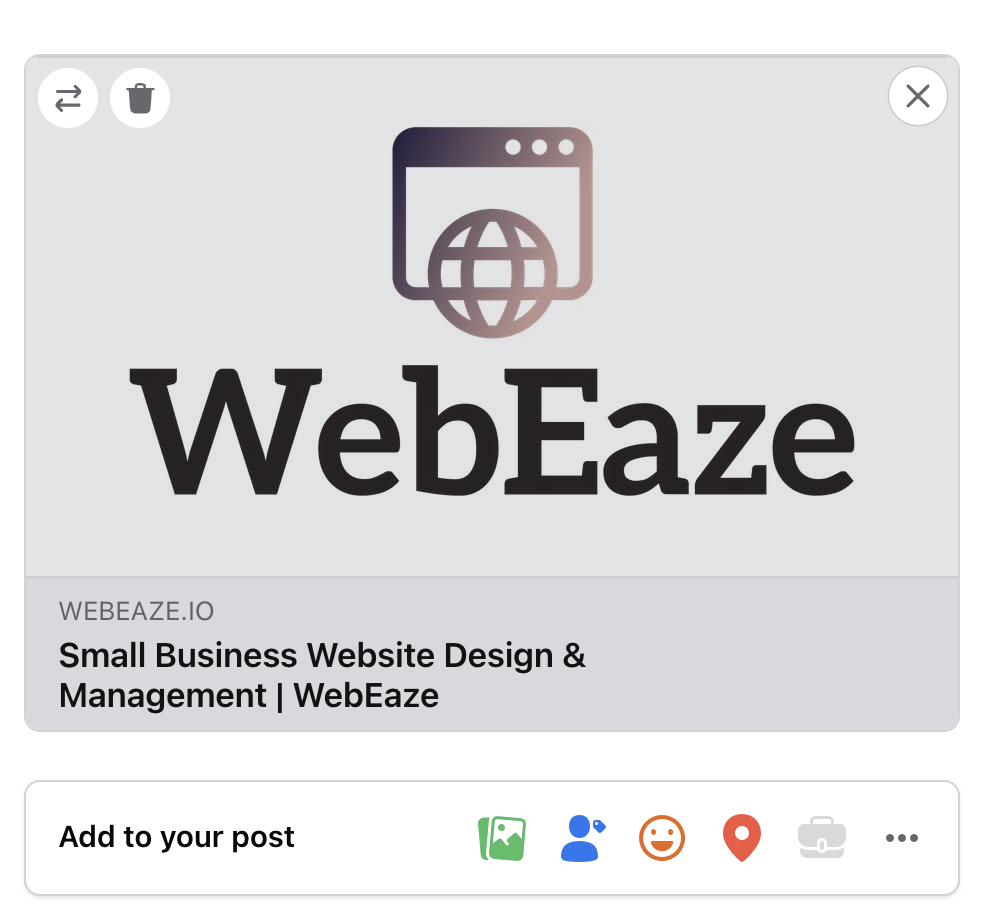
If the preview looks off, shows the wrong image, etc., it's usually an Open Graph (OG) issue.
What's Open Graph (OG)?
OG is a set of hidden tags in your website's code that tells social platforms what image, title, and description to use when someone shares a link. If these tags are missing, outdated, or pointing to the wrong image, the preview will look off.
Why does this happen?
The wrong image showing up is because the OG image tag is missing or incorrectly configured.
This can also happen if your OG title/description tags are outdated, and if you don't see any website preview at all - then your OG hasn't been set up.
How to fix this?
Facebook has a Sharing Debugger tool that lets you force a refresh of the cached preview for any URL. For other platforms, the fix usually happens on its own within a few days.
We can also help you if you need OG tags set up or updated. Submit a request.