 WebEaze
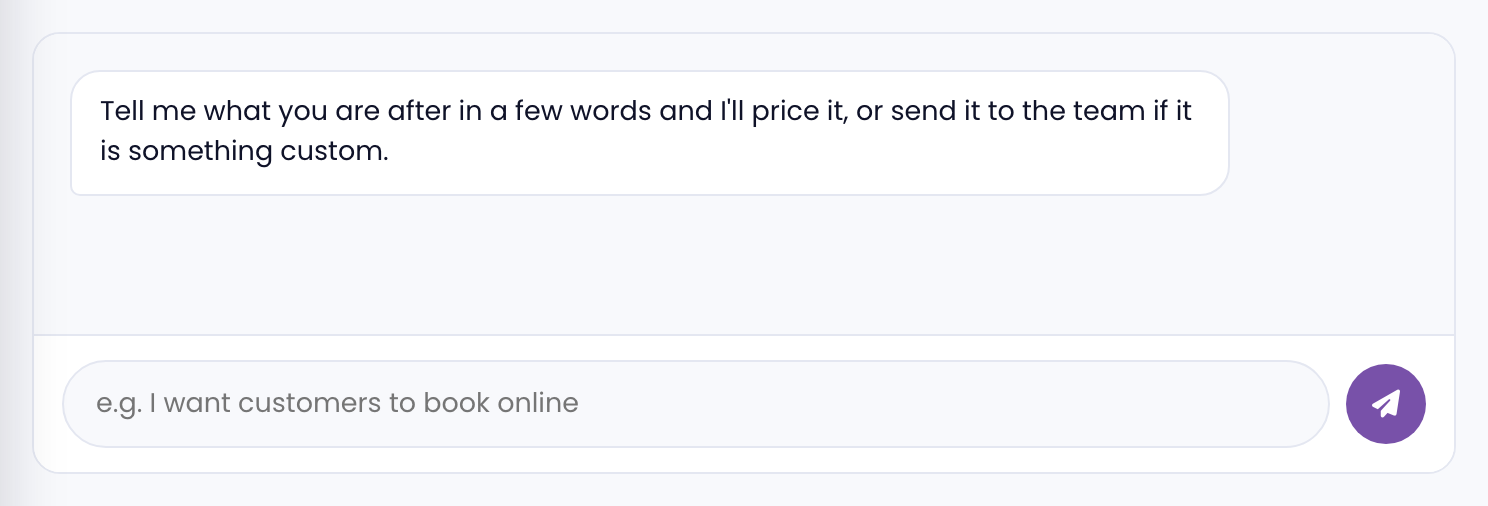
Yes. Chat widgets gives site visitors a quick way to reach you without forms. It can be a full live chat tool, a WhatsApp button, or a chatbot depending on how you want to handle incoming messages.
What we can set up
- WhatsApp chat button: Opens a WhatsApp conversation directly. Simple, free, and works on all platforms. Good if you already use WhatsApp to talk with clients.
- Tidio: A live chat and chatbot tool with a free tier. Good for small businesses that want to respond to visitors in real time or set up automated replies when you're offline.
- HubSpot Live Chat: Part of the free HubSpot CRM. Connects chat conversations to your contact records automatically.
- Intercom: A more robust option used by businesses that handle a high volume of support conversations.
- Facebook Messenger widget: Chat through your Facebook Page. Works on any platform via embed code.
Is it included in my plan?
Live Chat integration is a one-time fee. Request it by going to your client portal > Add-ons.
Platform notes
- Custom HTML sites: Any widget that provides a JavaScript snippet can be installed. We add it to the site's global code.
- WordPress: Most chat tools have a dedicated WordPress plugin. We install and configure it directly.
- Wix: Chat widgets can be added via the Wix App Market or by embedding a custom code snippet in the site's global code.
- Squarespace: Custom code injection in Settings > Advanced > Code Injection. Works for any snippet-based widget.
- Webflow: Custom code can be added in Project Settings or on individual pages. All major chat tools are compatible.