 WebEaze
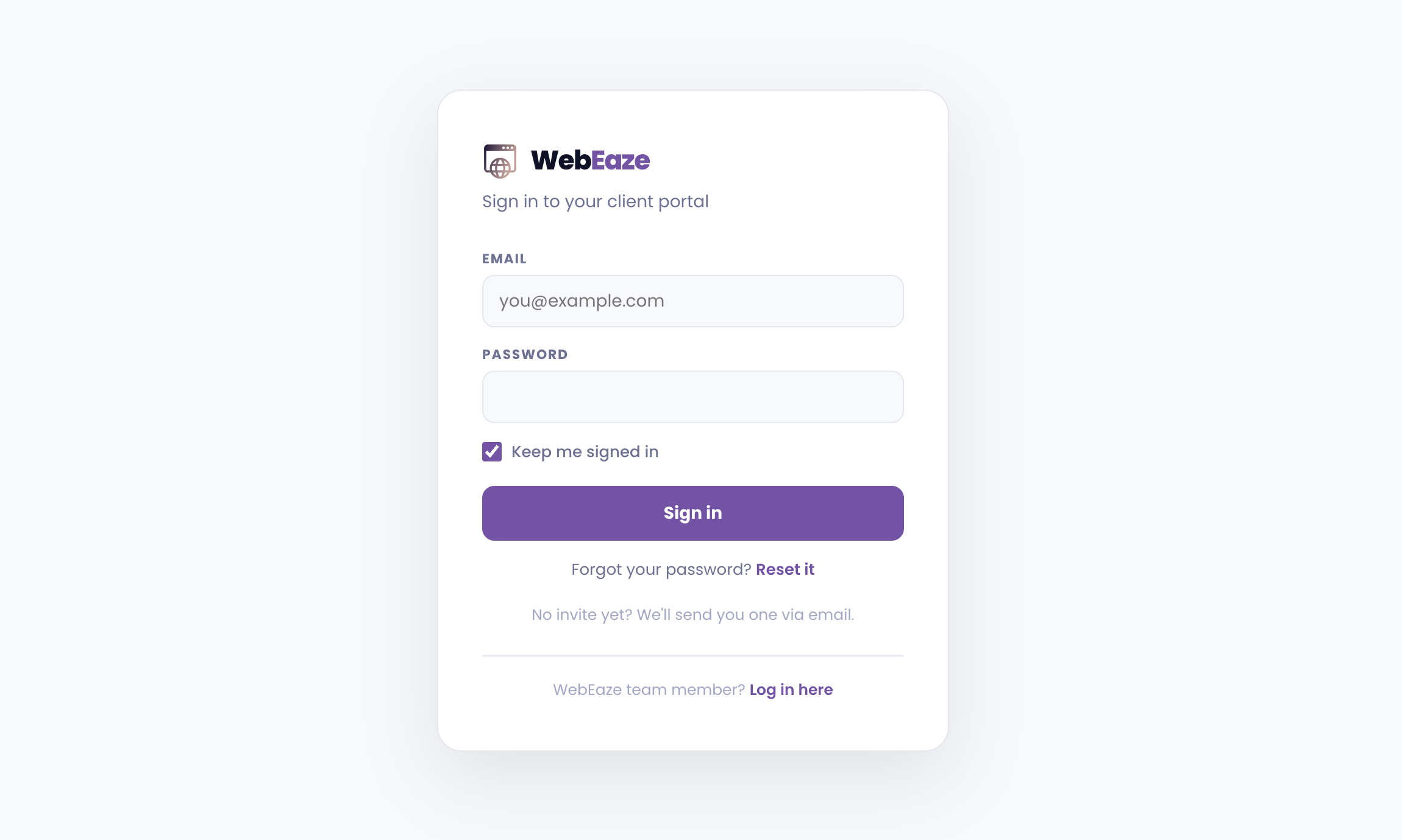
Generally, yes. Password protection lets you create pages that only people with the right password can access. It's good for client portals, private content, and more.
Common uses
- A client resources page with contracts, onboarding documents, or files
- A wholesale pricing page for trade clients only
- An internal team page with resources or schedules
- A private portfolio section shown only to prospects
Platform notes
- Squarespace: Built-in password protection per page. Easiest platform for this. You set the password yourself in the page settings and change it anytime.
- Webflow: Password protection is available on paid plans. Set per-page directly in the Designer.
- Wix: Individual page permissions can restrict pages to logged-in members. Full members area requires the Wix Members app, which adds some complexity.
- WordPress: Native per-post/page password protection is built in. For more robust access control (user roles, member tiers), a plugin like MemberPress or Restrict Content Pro is used.
- Custom HTML sites: Password protection isn't available on custom HTML sites without a backend. If you need private content on a custom site, we'd recommend migrating that section to a CMS platform or using a linked Squarespace or Webflow page for the protected content.
Is it included in my plan?
Password protection is included if it falls under a support provider above. It isn't a substitute for a full membership platform. If you need individual user accounts, subscriptions, etc., it falls under our e-commerce and custom development scope.
Submit an add-on request to get started.