 WebEaze
Once your website is ready, you'll get an email with a link to preview it. We provided a checklist of what to review and give us your revision requests so we can make necessary changes.
How to review your site
- Open the preview link on both your phone and computer to see how it looks on different devices, if possible.
- Check all text for accuracy, including names, addresses, phone numbers, and service descriptions.
- Review images and make sure the right photos are in the right places.
- Test links and buttons to confirm they go where they should.
- Look at the overall layout.
How to send revisions
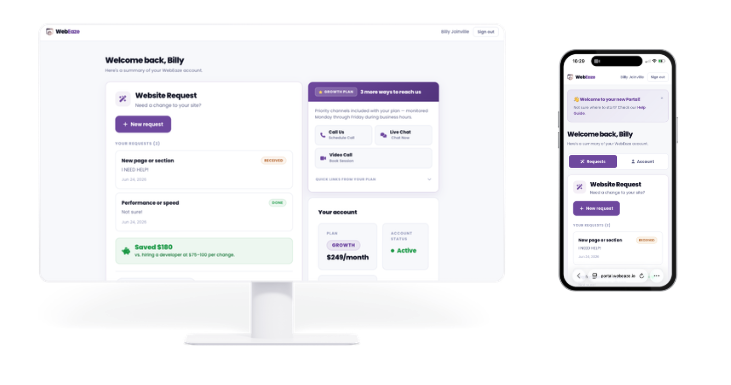
Submit your revisions through the client portal. For the best results:
- Be specific: Instead of "I don't like the header," try "Can you make the header text smaller and change the background to blue?"
- Reference pages: Tell us which page the revisions apply to.
- Use screenshots: Circle or highlight what you want changed. This helps us understand exactly what you mean.
- Keep it in one thread: Send all your revisions at once rather than multiple separate messages.
How many revisions do I get?
The number of revisions included depends on your plan. All plans include enough revisions to get your site looking the way you want. If you need more, we're happy to accommodate.
Tip: Try to reply to revision notes within 2 to 3 days. Quick feedback helps us launch your site faster.