 WebEaze
After you login to your Client Portal, you'll be prompted to fill in Site Setup, which lives in Business info.
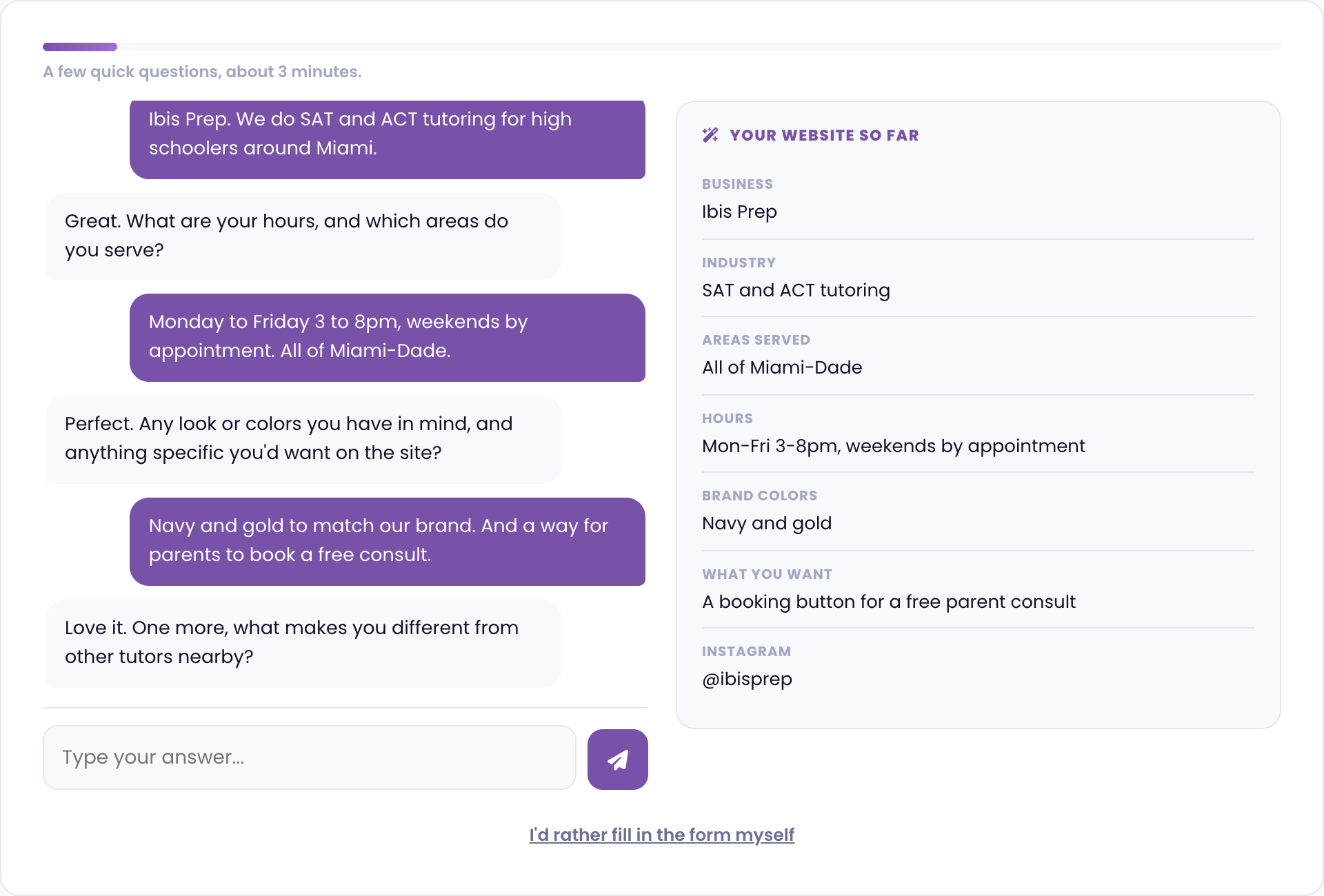
If you choose to fill the form manually, it may take up to 15 minutes to complete. Please be as detailed as possible.
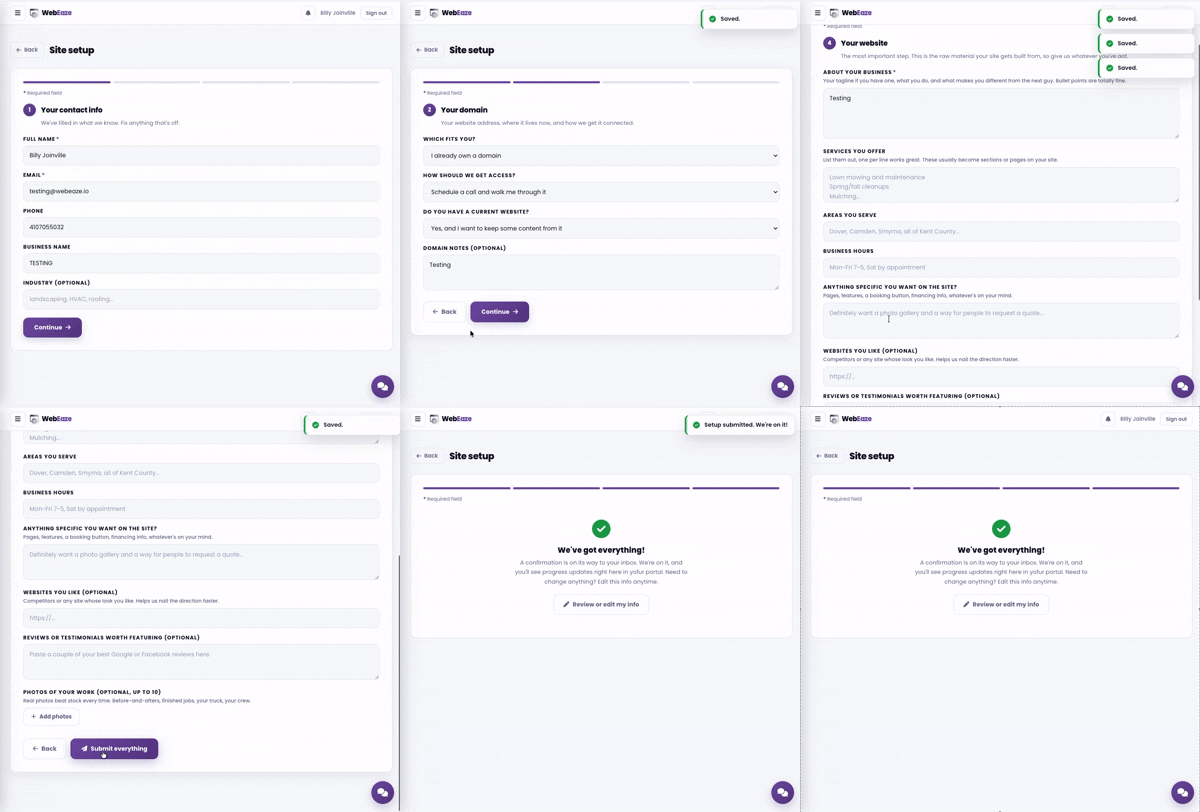
The form is broken down into 4 sections. It will:
- Confirm your contact info
- Gather info about your domain (URL) situation
- Ask for your business identity, such as your logos and social links
- Gather information about your business and its colors (Brand Vibe)
After submitting
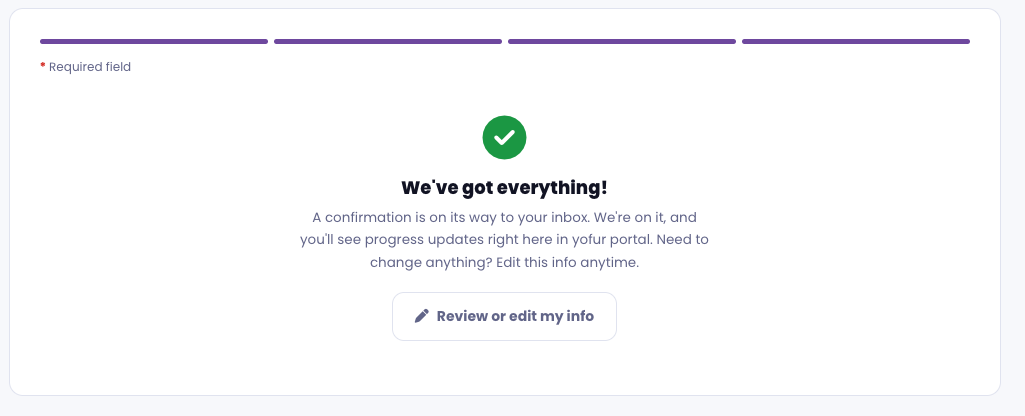
You'll get a confirmation email. Visit Business info anytime you need to update your information.
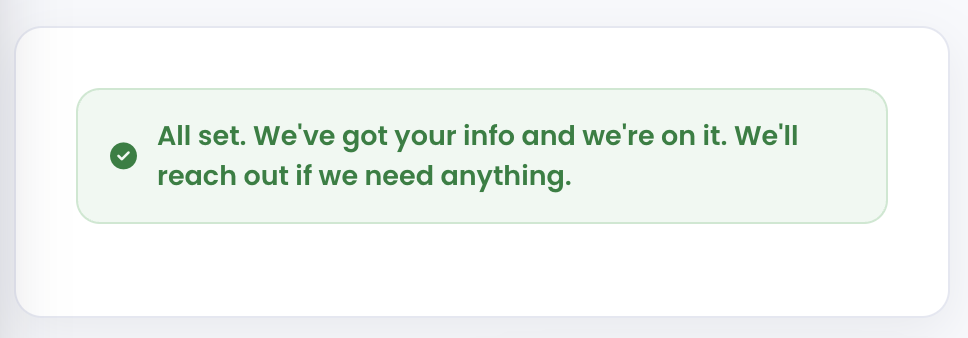
If you submitted the Site Setup form using Eaze, you'll see a confirmation message. To make updates later, select Edit on any section in Business info, or Ask Eaze to update it.
View the build timeline for more information.