WebEaze
Wix
- Settings > Roles and Permissions > Invite People.
- Invite
support@webeaze.ioas Admin or Website Manager. - Send the invite.
Squarespace
- Settings > Permissions > Invite Contributor.
- Invite
support@webeaze.ioas Administrator or Website Editor.
WordPress (.org, Bluehost, and others)
- Users > Add New > Email
support@webeaze.io> Role Administrator > Add New User.
Domains (GoDaddy, Namecheap, and others)
- Look for Add collaborator or Delegate access. If available, invite
support@webeaze.iowith Editor or Manager access. - If invites aren't supported, either share DNS login by secure one-time link or book a quick screen-share and we'll guide you.
Tip: Tell us where your site and domain currently live. We'll tailor the exact steps and confirm once we see access.
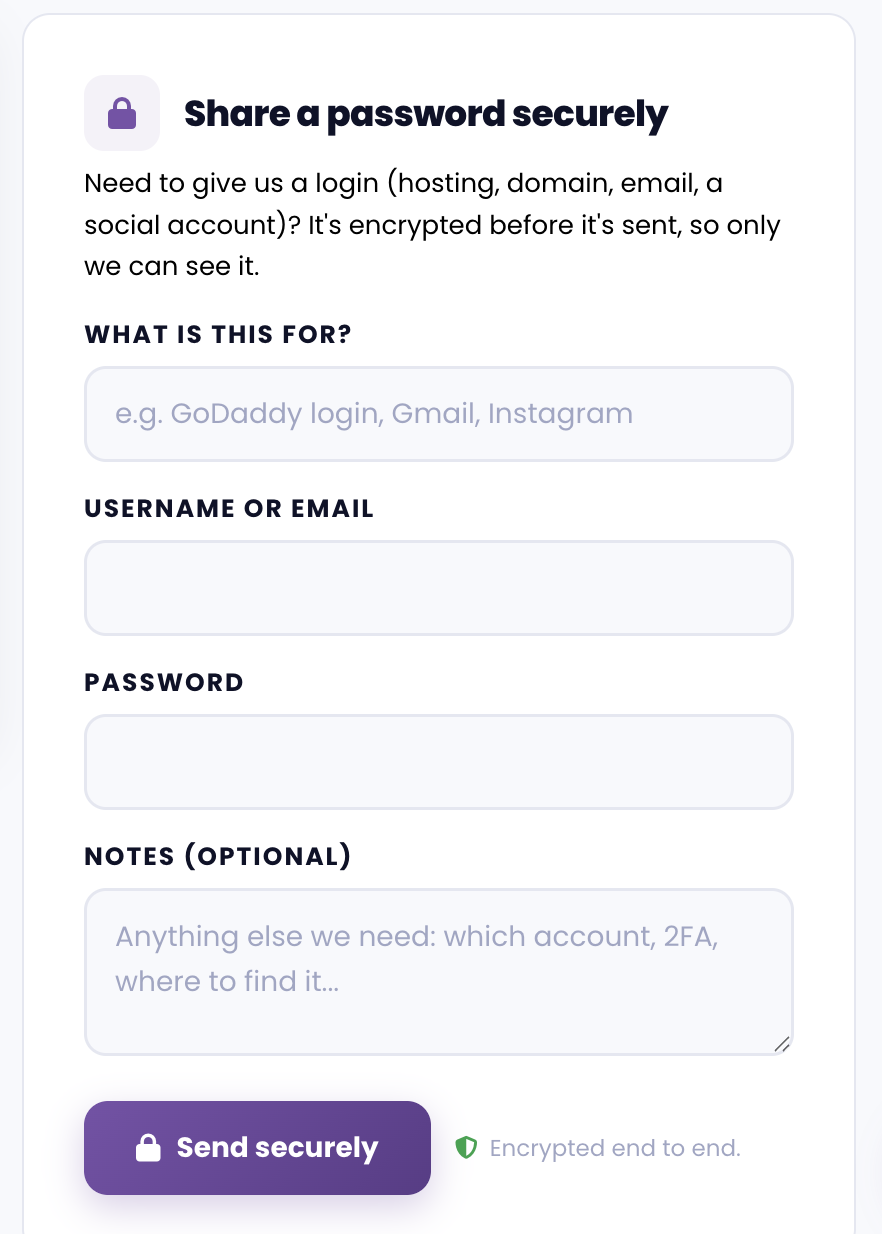
If your platform doesn't support adding a manager or collaborator, send us your login credentials through the Secure Password Form in Business info, under Connections.