 WebEaze
Some platforms don't support adding a manager or collaborator. In that case, share your login credentials through the Secure Password Form in your portal. You'll find it in Business info, under Connections.
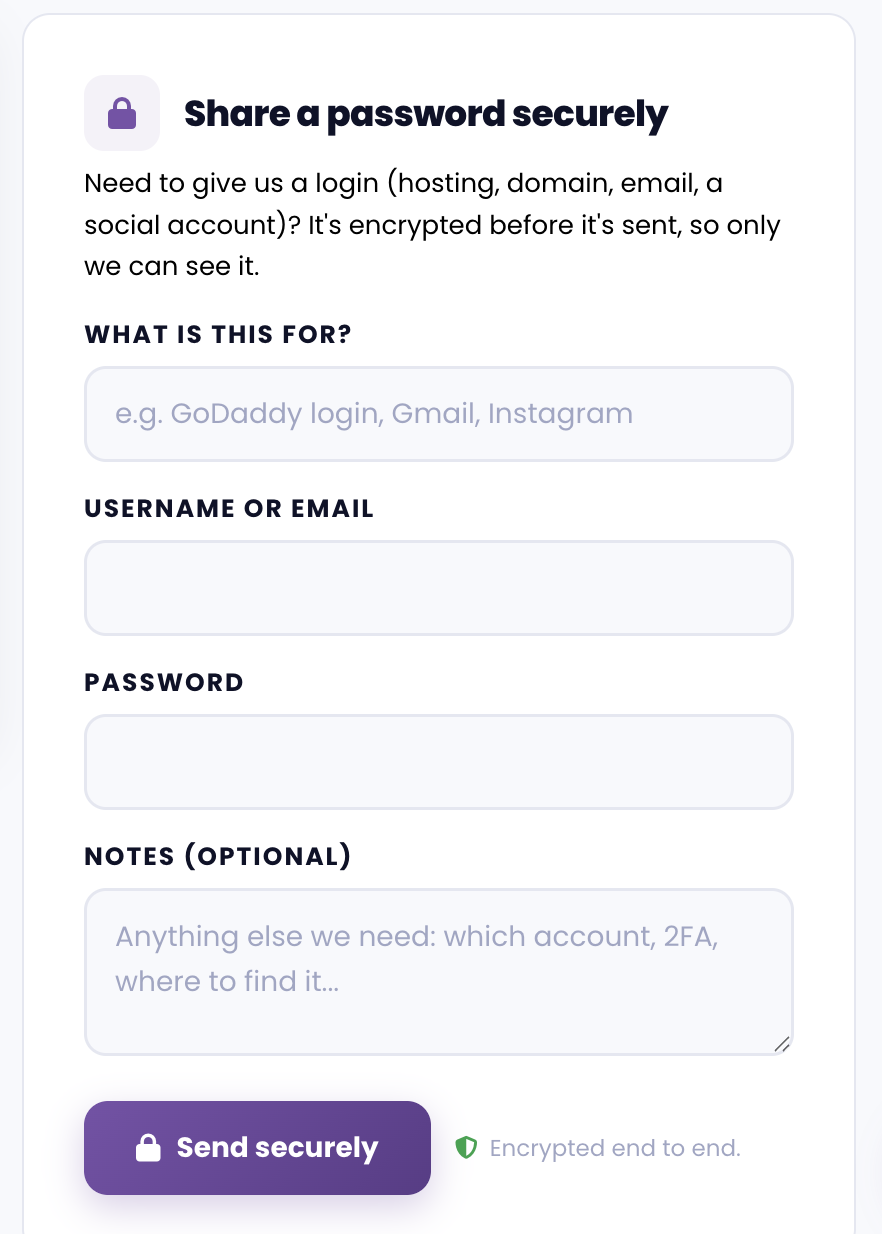
Your information is 100% confidential
Login information shared through the portal is encrypted. It's viewed by us solely for the purpose of completing your website updates, as described in our Terms of Service.
Two-factor authentication (2FA)
It's likely you have 2FA enabled on your account. Please temporarily disable it when you share your login credentials with us. If you need help with this, submit a request.
When should I use this?
- Your platform doesn't support adding a collaborator
- You prefer to share credentials directly to us
- You need us to access a specific tool or service that requires a direct login
Please note that we'll never ask for your password via means outside of the secure portal.
Send us website access if you can add a collaborator.