 WebEaze
For: Growth plan clients
If you're on our Growth or Elite plan, we can write your blog posts, from what we know about your business and area, and each one waits for your approval before it's published.
What's included
Your plan includes 2 posts each billing month. This resets on your billing date, and shows up on your Blog and Add-ons page.
If your website doesn't have a blog page, it does count toward your page limit.
Where the ideas come from
Every month on the 1st, you'll see 3 ideas on your Blog page. Each one is a question your customers search for, picked from:
- your services
- your area
- what we know about your business

Having one written
If you see an idea you like, select Write this one. It's sent as a request that will be completed within the date indicated in your portal.
When the post is ready for publishing, you'll receive a Ready for your OK email for you to approve/deny.
You can also keep track of previous blog posts under Your posts.
Autopilot
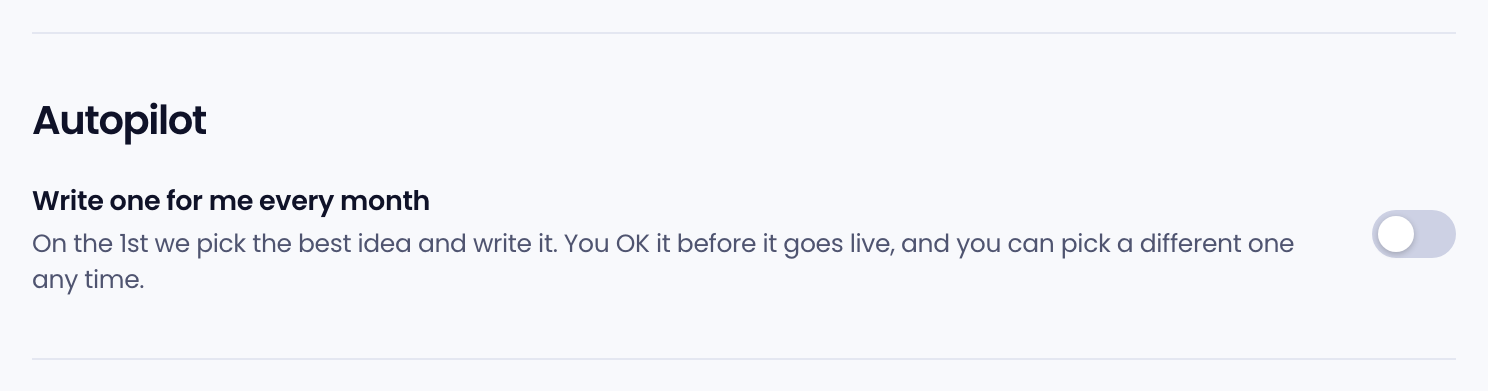
We know you may have a busy schedule. You can turn on Write one for me every month. On the 1st, we pick the best of the month's ideas and write it. You'll still get an email to approve or deny before the post is published.
If you've already used up the allotted posts per month, your posts will be scheduled for the following month.
More posts than your plan includes
We make it easy to post more than twice a month. We'll ask if you'd like to schedule for the following month or pay a one-time fee to add it now.
Emails
The Blog page always shows the month's ideas. You can turn on email notifications by going to Account > Emails > Blog post ideas. Emails about the post itself, like Ready for your OK, always reach you and can't be turned off.