 WebEaze
You can update your basic business information in your Client Portal.
Submit a request
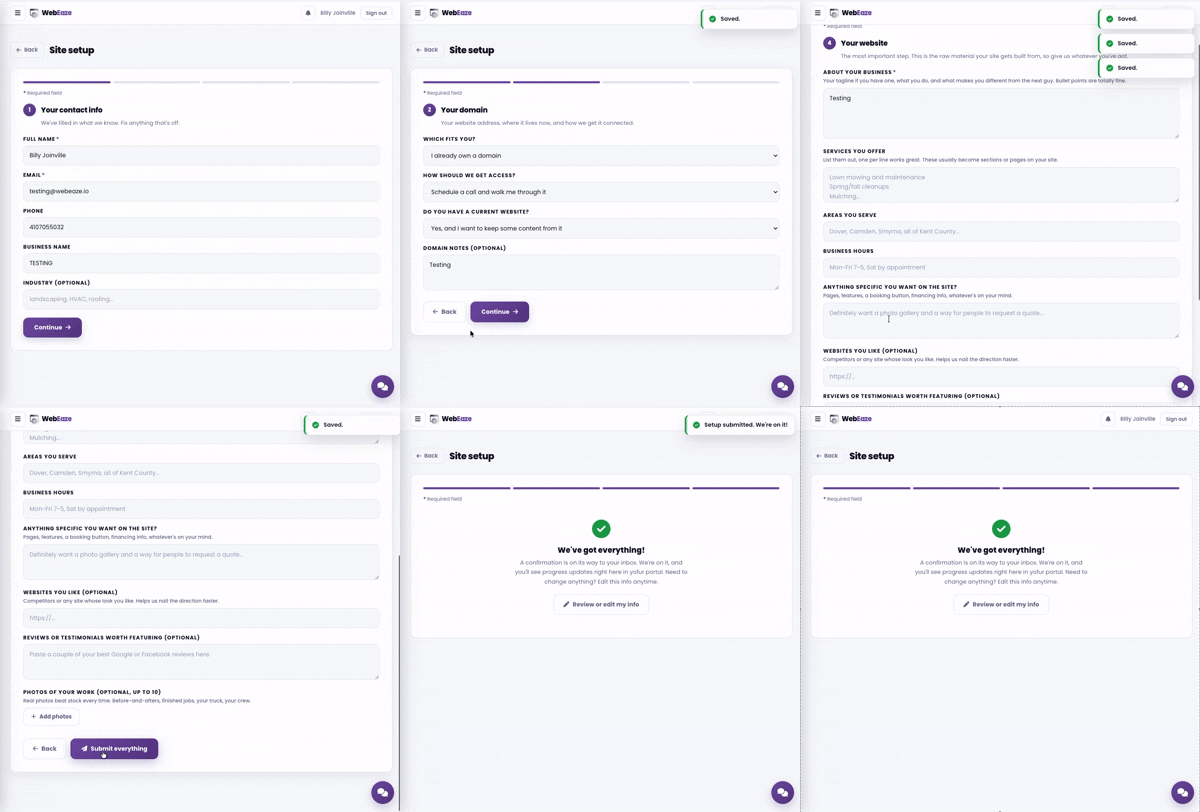
Use the Client Portal to update your business information at any time. Open Business info in the menu, then on Your details, select Edit next to the section you want to change and save it.
If changes are needed that aren't available in your portal, submit a request.
Tips for less back-and-forth
- Be specific. Tell us what's old and new to avoid confusion.
- If the change applies to multiple pages, let us know which ones.
- Include any seasonal notes if hours vary by time of year.