 WebEaze
We hate to see you go, however, we understand plans change. If there's anything we can do to help, contact us first.
How to cancel
Log into your client portal and select in the top right corner. Then open Your plan > Manage plan.
Select Cancel my plan at the bottom of the panel.
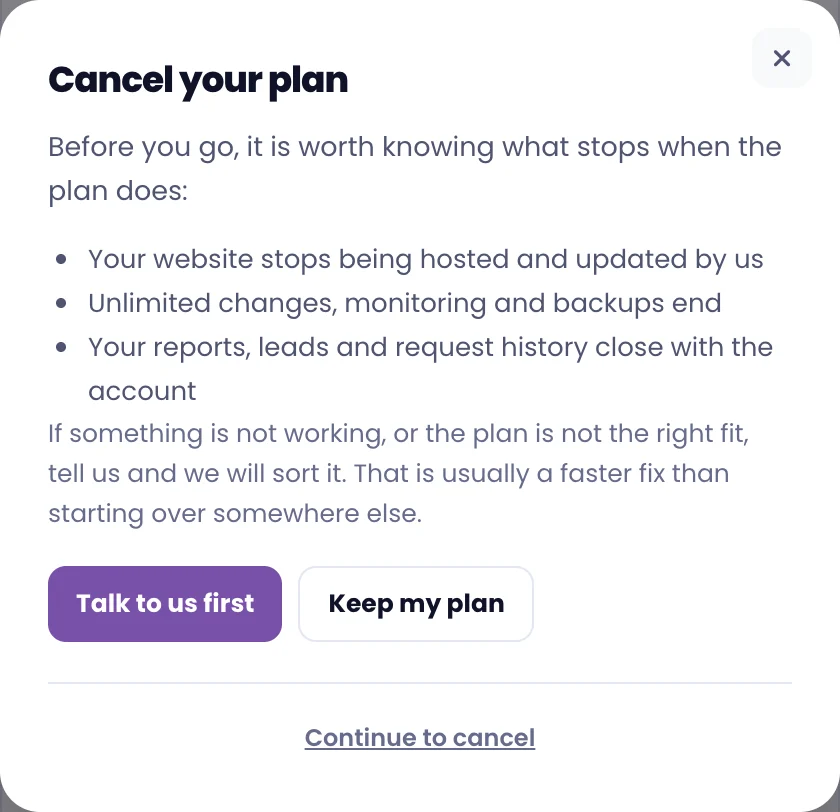
Select Continue to cancel and follow the prompts to confirm. You'll get an email confirming the cancellation.
Read the Cancellation Policy to know what happens after cancellation, and transfer your website (if applicable).