 WebEaze
Access your client portal at portal.webeaze.io. If you're unable to log in, follow these steps.
Reset your password
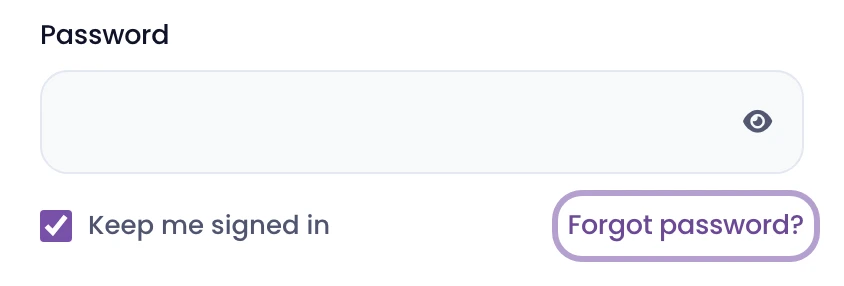
If you forgot your password, reset it using the following steps:
- Go to the portal and select Forgot password?
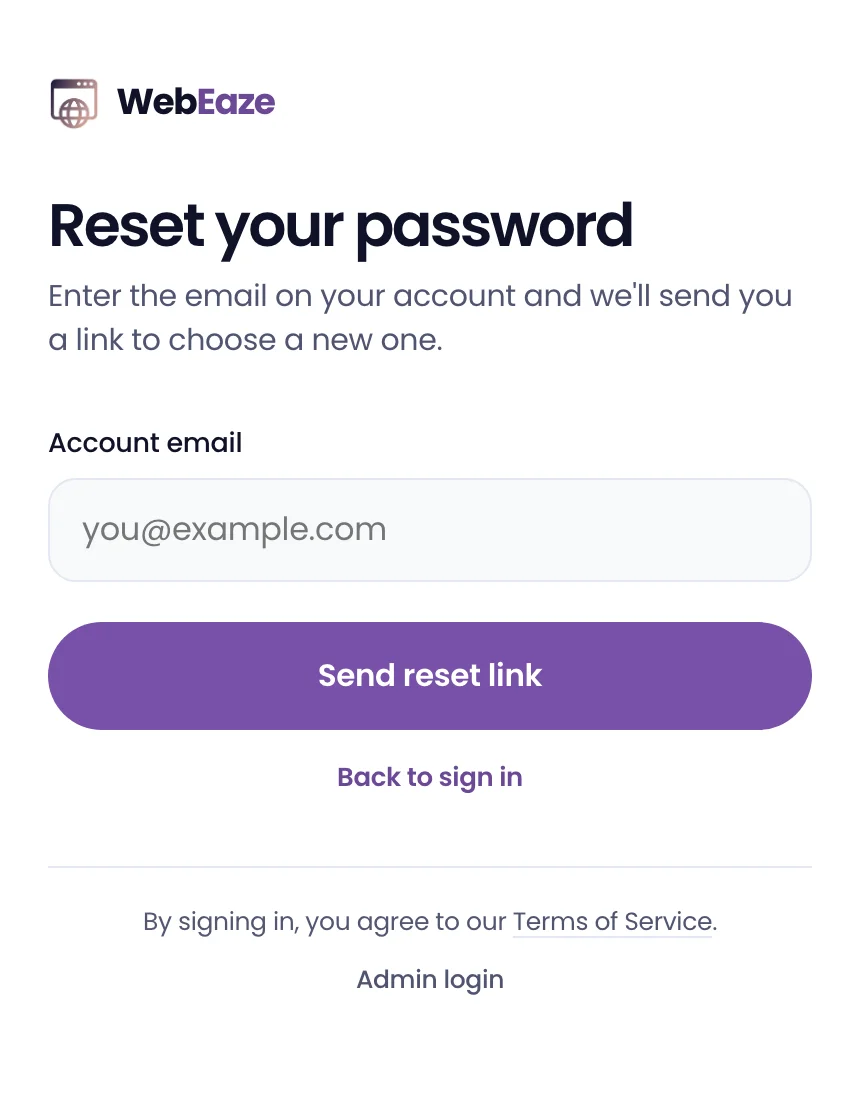
- Enter the email address on your account and select Send reset link.
- Open the link we email you and set a new password. You'll then be signed into your portal.
Didn't get your invite or reset email?
Search your email inboxes for "WebEaze". Both emails come from us.
- Check your spam, junk, and promotions folders.
- Make sure you're checking the same email address you gave us for your account.
- If you're still having trouble, try searching for the email in your inbox using the search bar.
Still nothing? Contact us and we'll resend your link.
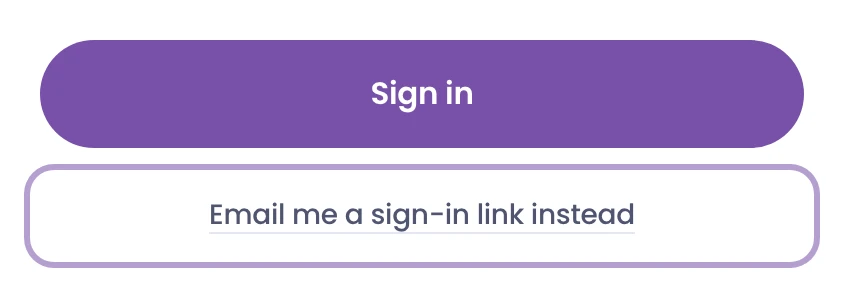
Use "Email me a sign-in link instead"
If you don't want to use a password, type your email, select Email me a sign-in link instead, under the Sign in button. We'll email you a link that signs you in without a password.
Use "Keep me signed in"
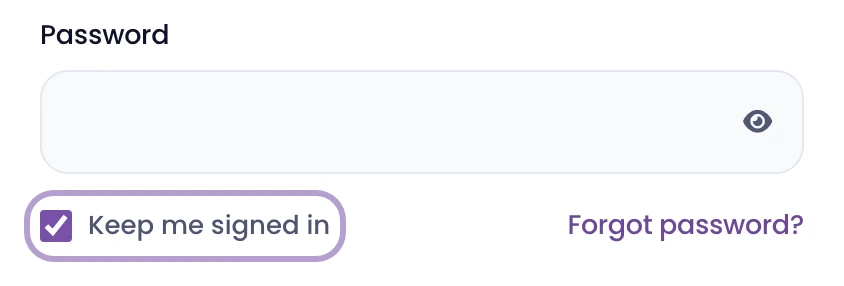
When signing in, check "Keep me signed in" to stay logged in between visits so you're not entering your password every time. Only use this on a device that belongs to you, never on a shared or public computer.
Still can't get in?
Check the following:
- Make sure you're using the correct email address. Double-check that you're using the email address associated with your account.
- Watch for typos. Turn off Caps Lock and make sure autofill hasn't dropped in an old password.
- Try another browser or a private window. This usually resolves the issue.
- Clear your cache. If the page looks stuck or won't load, clearing your cache may work.
If you've tried all of the above and still can't log in, reach out to us.