 WebEaze
When you submit your content, include everything that represents your brand's visual identity. The more you give us upfront, the closer your first draft will be to what you're imagining.
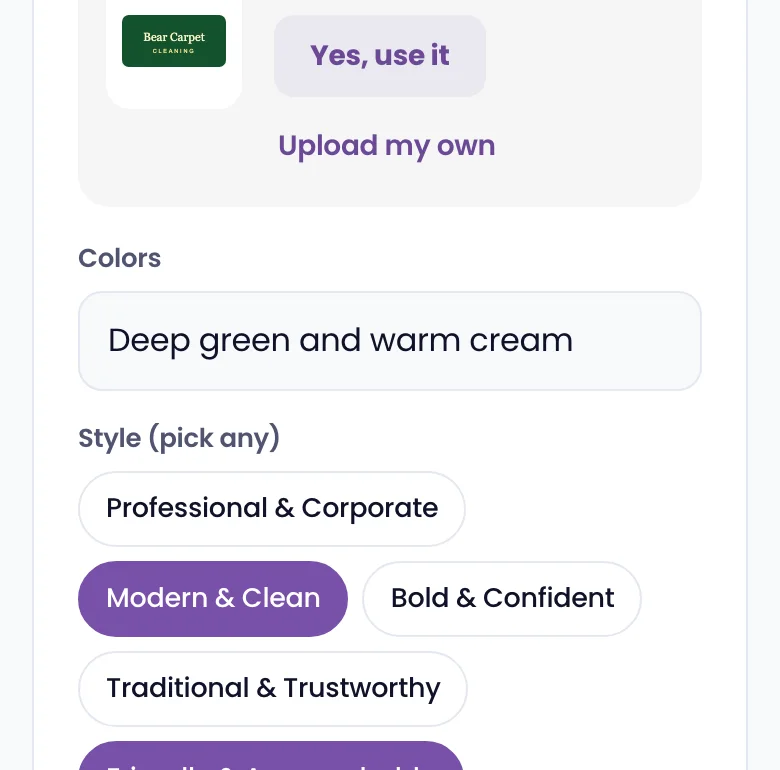
What to include
- Logo: PNG or SVG with a transparent background is best. If you have versions for light and dark backgrounds, send both.
- Brand colors: Share hex codes if you have them (like #7851a9). If you're not sure of the codes, describe what you want: deep blue and white, earthy green and tan, etc.
- Fonts: If your brand uses specific fonts, share the names. If not, we'll choose something that fits your style.
- Inspiration sites: Share links to 1 to 3 websites you like the look of. These help us understand the direction you're going for.
- Photos: Any photos of your business, team, or work. See Using photos that look professional for tips.
What if I don't have everything ready?
That's fine. Submit what you have and we'll work with it. You can always send additional files later through the client portal. Once setup is done, use Send Brand Assets in Business info, under Files and links.
How to send large files
Business info asks for your logo and photos as you go and lets you upload them right there. For files too large to upload, add a Google Drive or Dropbox link under Files and links for us in Business info.