 WebEaze
Your portal dashboard is the home page of your Client Portal, where you submit a website request, see your latest one, and check this month's numbers at a glance.
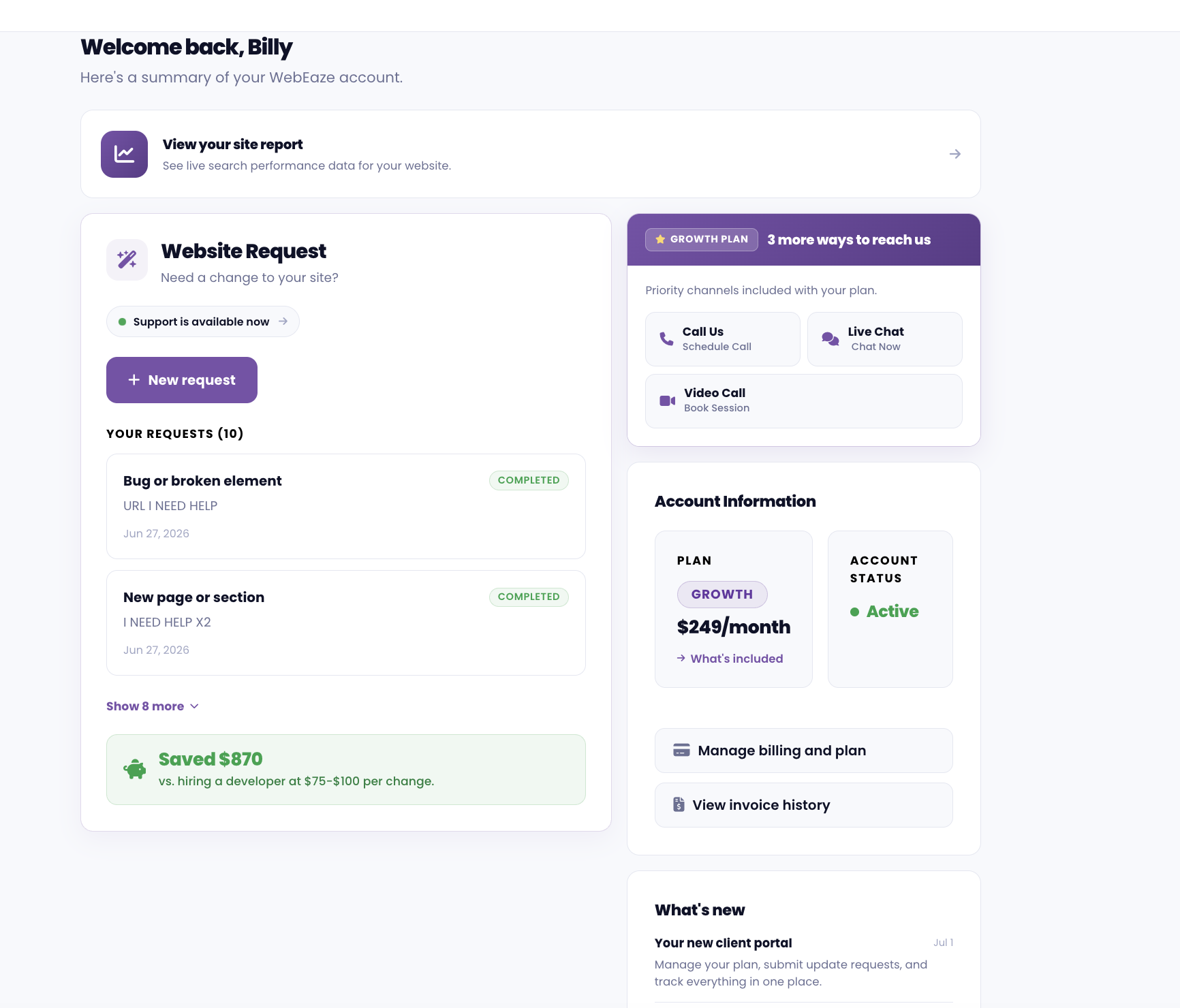
What do you need?
Tell us what to add, change or fix by selecting the box in this section. You'll go through a seamless chat or form experience to submit your request.
Under the box you'll see your latest request and where it stands. If we're waiting on you, a Reply button appears on it.
If you're on our Growth plan, you may be offered to chat, video, or call us instead for faster help.
Your account
Select in the top right corner to open your account. Under Your plan you'll see your plan, what it costs and when it renews, and Manage plan has your invoices and a way to update your card. Your sign-in details, your website, who can sign in, your devices and the emails we send you are there too.
You can access all of this by logging into your Client Portal.